Deep Work Setup
“Deep work,” a term popularized by Cal Newport, refers to focused, distraction-free work that pushes your cognitive limits. In practice, it’s the difference between checking emails all day and writing 2,000 words of high-quality content or solving a complex engineering problem.
Research from the University of California, Irvine shows it takes an average of 23 minutes to regain focus after an interruption. Meanwhile, a Microsoft study found that average human attention span dropped from 12 seconds in 2000 to 8 seconds in recent years—shorter than a goldfish.
Real-world example: software teams at companies like Basecamp enforce “no meeting days” to allow uninterrupted coding blocks. Writers often isolate themselves in minimalistic setups to avoid visual and digital clutter.
Core Pain Points
Most people fail at deep work because they treat focus as a habit rather than a system.
Common mistakes include:
- Working in noisy, shared spaces without boundaries
- Keeping phones within reach and notifications active
- Using the same device for work, entertainment, and social media
- Switching tasks every 5–10 minutes
These behaviors fragment attention. The result? Shallow work dominates your day—emails, Slack messages, minor edits—while important tasks get delayed.
In real situations, this leads to missed deadlines, lower-quality output, and longer working hours. A developer might spend 8 hours “working” but only produce 2 hours of real progress due to interruptions.
Solutions and Tips
Create a Dedicated Physical Focus Zone
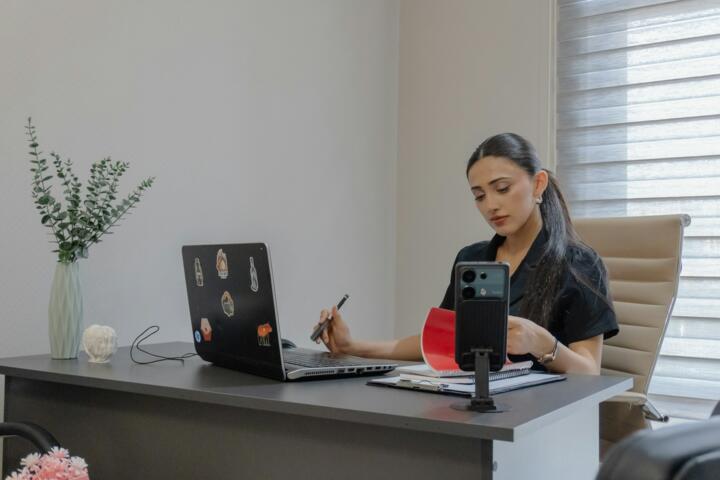
What to do: Set up a specific location used only for deep work. This could be a desk, a room, or even a corner with clear visual boundaries.
Why it works: Your brain associates environments with behaviors. A consistent workspace trains your mind to enter focus mode faster.
In practice: Use a desk facing a wall, not a window or busy area. Keep only essential items: laptop, notebook, water.
Tools: IKEA Bekant desk, Herman Miller Aeron chair, noise-isolating panels.
Result: Reduced setup time and faster transition into focus (often within 5 minutes instead of 20).
Control Noise with Precision
What to do: Eliminate unpredictable noise and replace it with controlled sound.
Why it works: Sudden noise spikes break concentration more than consistent background sound.
In practice: Use noise-canceling headphones like Sony WH-1000XM5 or Bose QC45. Play brown noise or instrumental music.
Design a Distraction-Free Digital Workspace
What to do: Separate work tools from entertainment and eliminate unnecessary inputs.
Why it works: Digital clutter triggers task-switching impulses.
Use Website and App Blockers Strategically
What to do: Block distracting sites during deep work sessions.
Tools: Freedom, Cold Turkey, RescueTime.
Optimize Lighting and Ergonomics
What to do: Use proper lighting and posture setups.
Tools: BenQ ScreenBar, adjustable monitor arms.
Implement Time Blocking and Rituals
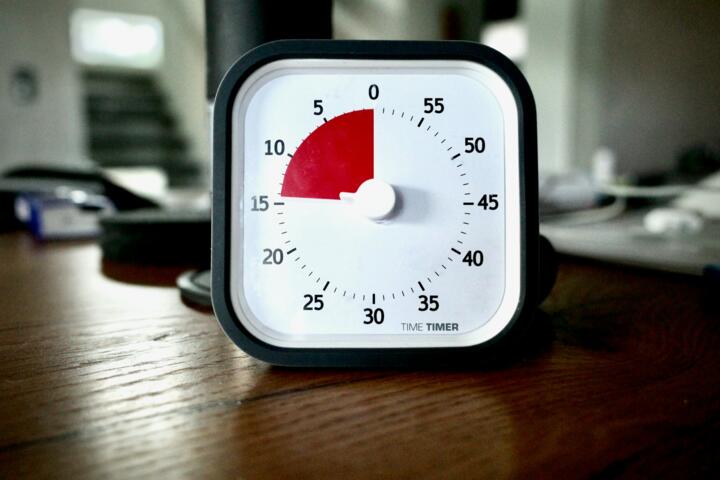
What to do: Schedule deep work sessions and start them with a consistent ritual.
Remove Your Phone Completely
What to do: Place your phone in another room during deep work.
Case Examples
Case 1: Freelance Writer
Problem: Constant distractions and inconsistent output (500 words/day).
Solution: Created a dedicated workspace, used Freedom to block distractions, and adopted 90-minute deep work sessions.
Result: Output increased to 2,000 words/day (+300%), with fewer revisions needed.
Case 2: SaaS Startup Team
Problem: Developers interrupted by Slack messages every 10 minutes.
Solution: Introduced “focus hours” (9 AM–12 PM), muted notifications, and enforced async communication.
Result: Feature delivery speed improved by 40%, and bug rates decreased by 25%.
Environment Checklist
| Area | Required Action | Status |
|---|---|---|
| Physical | Dedicated desk; minimal items | ✔ / ✘ |
| Noise | Use noise-canceling headphones | ✔ / ✘ |
| Digital | Separate work browser profile | ✔ / ✘ |
| Focus | Install website blockers | ✔ / ✘ |
| Devices | Phone outside workspace | ✔ / ✘ |
Common Mistakes
Mistake 1: Relying on motivation instead of systems.
Fix: Build environments that enforce focus automatically.
Mistake 2: Multitasking.
Fix: Commit to single-task sessions with clear goals.
Mistake 3: Overcomplicating tools.
Fix: Use fewer, more effective tools instead of stacking apps.
Mistake 4: Ignoring physical comfort.
Fix: Invest in ergonomics to sustain longer sessions.
Mistake 5: Keeping notifications on.
Fix: Turn off all non-essential alerts during deep work.
FAQ
How long should a deep work session last?
Typically 60–90 minutes. Beyond that, cognitive performance drops.
Can I do deep work in a busy environment?
Yes, with noise control tools and strict digital boundaries.
Is music helpful or harmful?
Instrumental or ambient music can help; lyrics often distract.
How many deep work sessions per day?
2–4 sessions are realistic for most people.
What’s the biggest productivity killer?
Frequent context switching, especially from digital notifications.
Author’s Insight
I’ve tested dozens of setups over the years, from coworking spaces to isolated home offices. The biggest improvement came not from better tools, but from removing friction—fewer tabs, fewer devices, fewer decisions. A simple desk, blocked distractions, and a consistent routine outperformed every “productivity hack” I tried. If you focus on environment first, discipline becomes much easier.
Summary
A reliable deep work environment is built from small, enforceable choices: ergonomic comfort, predictable sound, a two-minute startup ritual, and hard boundaries on notifications. Pair a clean physical setup with a locked-down digital workspace (profiles, blockers, batching) and a clear escalation path for urgent issues. Start with two 60–90 minute blocks per day, track distraction events, and iterate weekly until deep work becomes your default mode for high-value tasks.